Messy data needs more than the basics
Advanced Power Query: merge and append queries, pivot and unpivot, group and aggregate, and add custom and conditional columns.
Microsoft Power BI
Build more efficient, interactive and secure Power BI reports. Advanced transformations, DAX, custom slicer panels and row-level security, hands-on in one day.

£850at your premises, up to 10 delegates
Up to 6: £800 | Up to 3: £750
£800live online, up to 10 delegates
Up to 6: £750 | Up to 3: £700
1 day, per session, not per person. Smaller teams pay less. With a full group that is as little as £85 a person in person, or £80 online.
Advanced Power Query: merge and append queries, pivot and unpivot, group and aggregate, and add custom and conditional columns.
More complex DAX, and a clear understanding of when to use calculated columns and when to use measures.
Create a show/hide slicer panel with bookmarks and buttons, and an active filters card so users can see what is applied.
Understand how slicers behave, sync them across pages, and use filters and bookmarks to guide your users.
Row-level security shows each person only the data that is relevant to them, with roles you can apply and share.
Build dashboards from published reports and set up automatic refresh schedules.
You build interactive report features yourself, including a show/hide slicer panel, an active filters card, synced slicers and row-level security roles, and you finish with your own data.

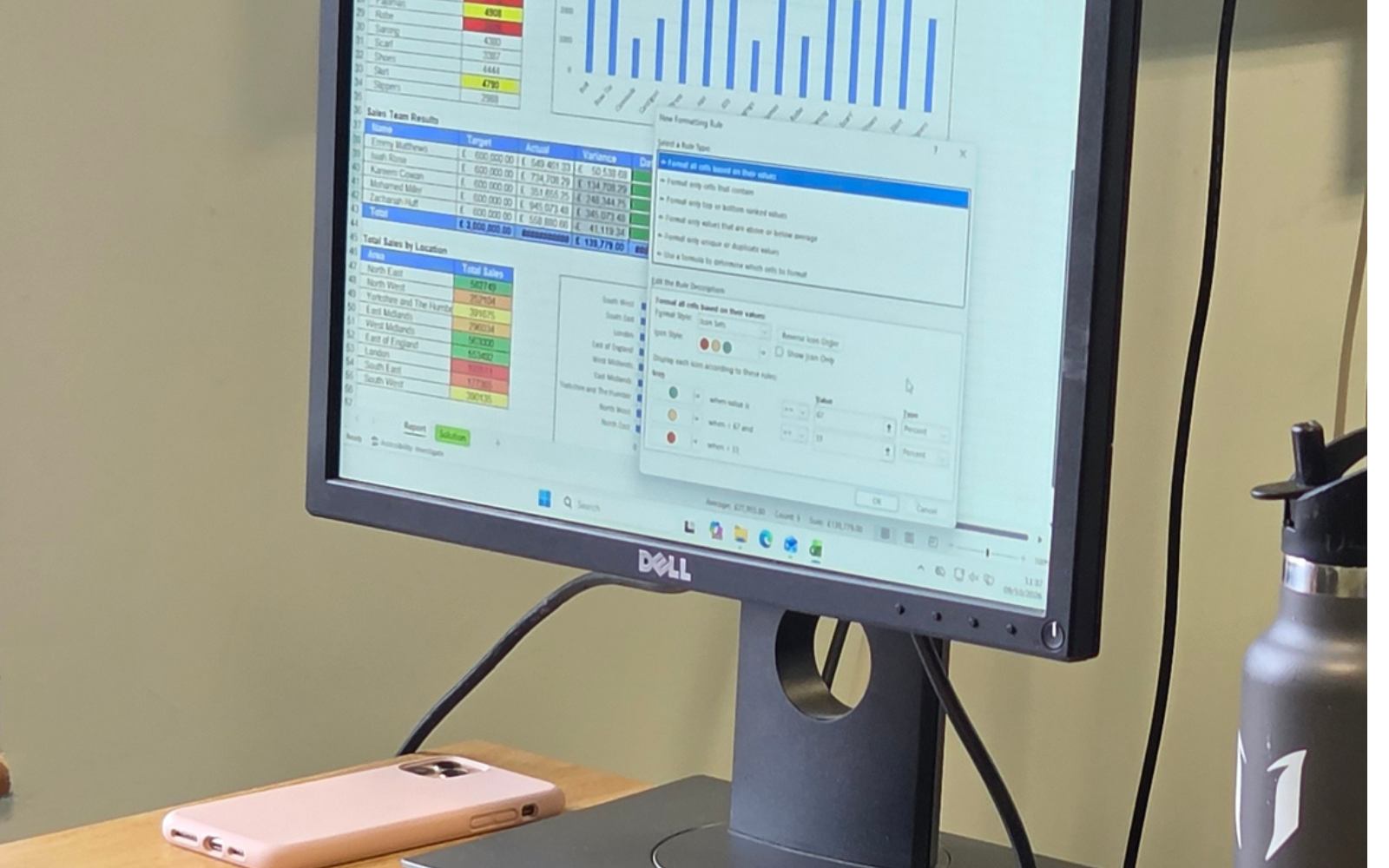

After 20 years in the workplace and 12 years teaching, I know what people actually need from Excel and Power BI.
Who it is for: Users who already have a solid understanding of Power BI and are ready to take their skills to the next level.
What you need: Power BI Desktop (free from Microsoft) on each computer. A free Power BI licence is enough to take the training. Get in touch if you have any questions about licences.
A few minutes of preparation means we spend the whole day learning. Tick things off as you go.
An Introduction to Power BI covers the building blocks this course assumes you know.
New to Power BI? See the courseThe Complete Power BI Package is £1,275 in person or £1,190 online. All five Excel and Power BI courses together are £2,700 in person or £2,500 online. See all prices