Excel feels overwhelming
We start with the anatomy of Excel: the ribbon, sheet tabs, cells, rows and columns. You will know where everything lives and what it does.
Microsoft Excel
Little or no Excel experience? In one friendly day you will go from finding your way around the screen to building tidy, correct, printable spreadsheets with confidence.

£500at your premises, up to 10 delegates
Up to 6: £450 | Up to 3: £400
£450live online, up to 10 delegates
Up to 6: £400 | Up to 3: £350
1 day, per session, not per person. Smaller teams pay less. With a full group that is as little as £50 a person in person, or £45 online.
We start with the anatomy of Excel: the ribbon, sheet tabs, cells, rows and columns. You will know where everything lives and what it does.
Cell styles, the format painter and the format cells menu make a sheet clear and consistent in minutes.
AutoSum, cumulative totals and functions like AVERAGE, MIN, MAX and COUNT do the sums for you.
Freeze panes keeps them in view, and Find and Replace takes you straight to what you are looking for.
Fix the common printing problems with page breaks, print areas, headers and footers, and save a clean PDF.
Lock cells, protect sheets and understand what happens when someone else opens your file.
The fill handle and Flash Fill finish lists and patterns for you.
You work through hands-on activities with practice workbooks, from labelling the Excel screen to building formulas and a chart.

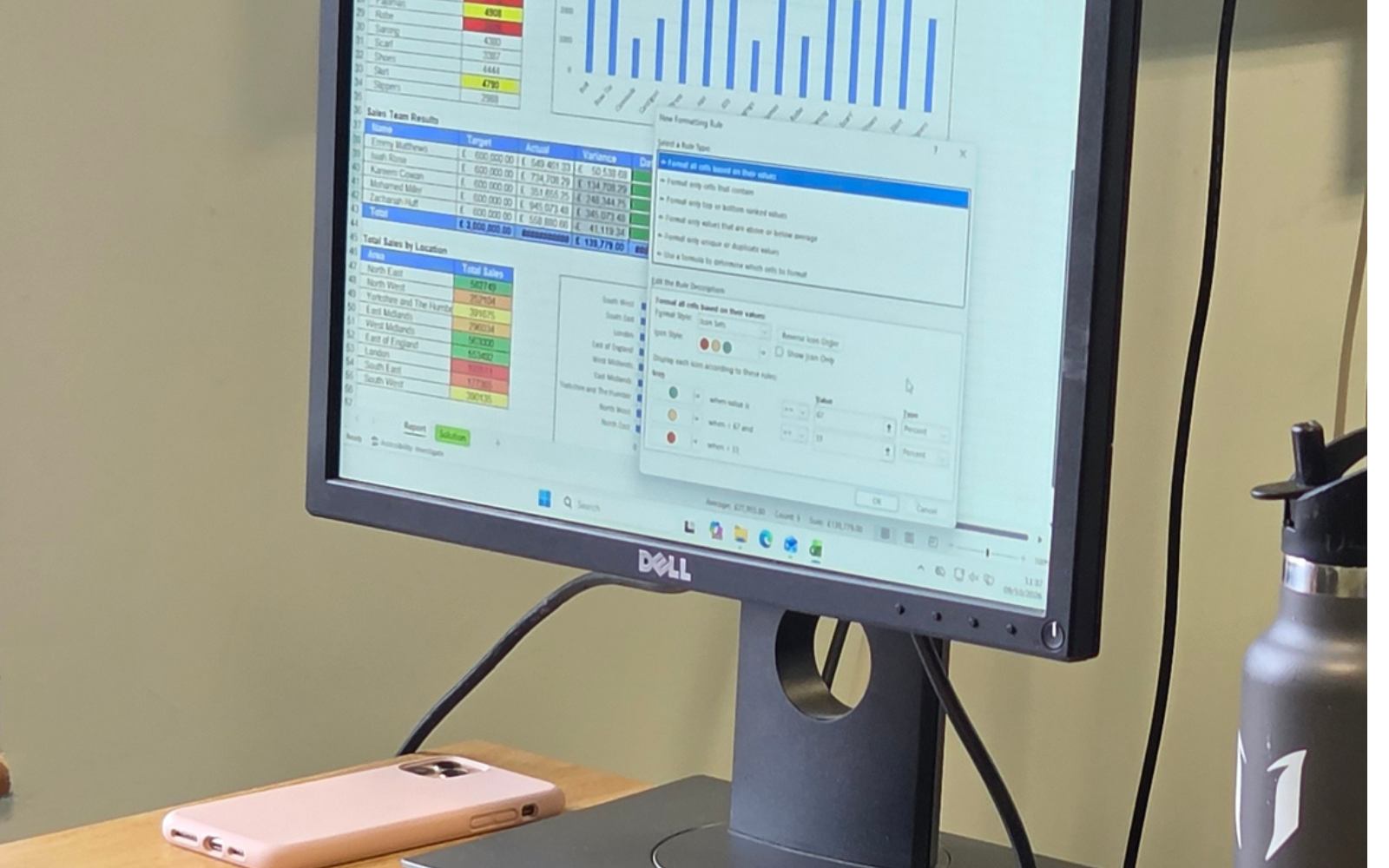

After 20 years in the workplace and 12 years teaching, I know what people actually need from Excel and Power BI.
Who it is for: People with little or no experience of Excel, or self-taught users who want to fill the gaps and stop feeling unsure.
A few minutes of preparation means we spend the whole day learning. Tick things off as you go.
Rachel's infinite patience and analogies! I've done several Excel courses in the past and not retained the info, but I learned so much on this one that's really relevant to my role.
I was a complete novice to Excel and now I feel confident in the basic application.
Rachel is fab! She explains things so clearly and makes the training fun.
Once the basics feel natural, Intermediate Excel adds conditional formatting, drop-down lists and PivotTables.
Ready for more? See the courseThe Complete Excel Package is £1,450 in person or £1,315 online. All five Excel and Power BI courses together are £2,700 in person or £2,500 online. See all prices