You copy and paste between lists to match data
VLOOKUP, HLOOKUP and XLOOKUP, plus INDEX and MATCH, pull the right information across for you.
Microsoft Excel
Stop rebuilding the same reports every week. Learn lookups, dashboards, macros, Power Query and PowerPivot, and make Excel do the repetitive work for you.

£650at your premises, up to 10 delegates
Up to 6: £600 | Up to 3: £550
£600live online, up to 10 delegates
Up to 6: £550 | Up to 3: £500
1 day, per session, not per person. Smaller teams pay less. With a full group that is as little as £65 a person in person, or £60 online.
VLOOKUP, HLOOKUP and XLOOKUP, plus INDEX and MATCH, pull the right information across for you.
Dashboards built from Excel Tables, PivotTables and functions update when the data does.
Record a macro, assign it to a button and give your colleagues a slicer pane that does the work.
Power Query imports, cleans and combines data from different sources, including files on SharePoint.
Power Pivot and the data model connect separate data sets with relationships, with calculated columns and measures built using DAX.
Connect a live Microsoft Form to Excel and build a report that updates itself with each new response.
You build working dashboards and automation: a function-driven dashboard, table and PivotTable dashboards, macros on buttons, and a data model with relationships.
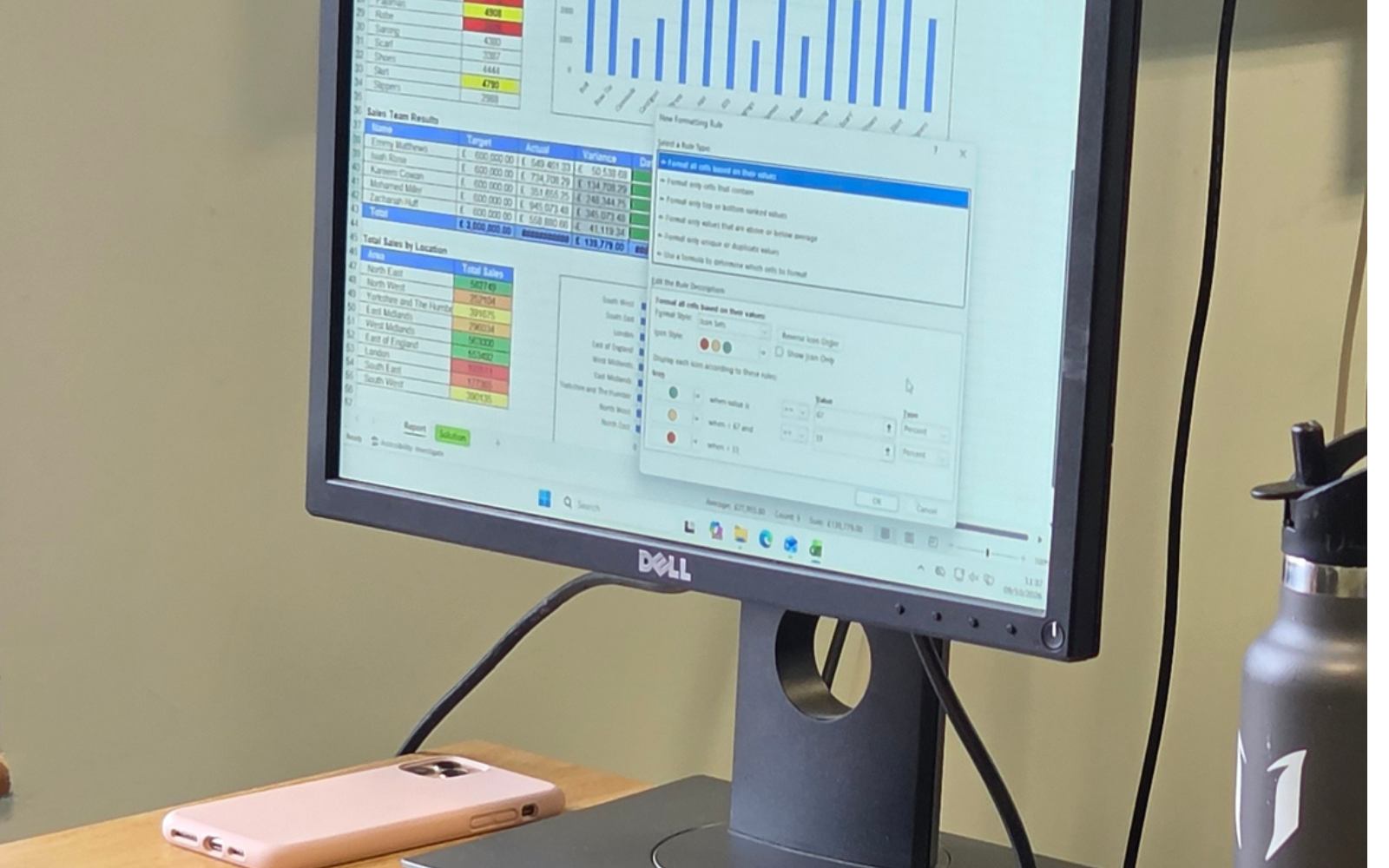


After 20 years in the workplace and 12 years teaching, I know what people actually need from Excel and Power BI.
Who it is for: Confident Excel users who already work with functions and PivotTables and want to automate and scale their reporting.
What you need: A current version of Microsoft 365 Excel. Some of the functions we use (XLOOKUP and TRIMRANGE) are only in recent Microsoft 365 versions, and Power Pivot is not in every edition of Excel, so check with me if you are unsure.
A few minutes of preparation means we spend the whole day learning. Tick things off as you go.
The amount of 'mind-blown' Excel hacks that I have learnt today.
Rachel, as ever, was very patient with everyone in the group. She was warm and friendly and remembered people from previous courses.
Being able to ask questions without feeling 'silly'!
If you like what Power Query and the data model can do, An Introduction to Power BI takes the same ideas into a reporting tool built for sharing.
Where next? See the courseIntermediate Excel covers the functions, PivotTables and dashboards this course builds on.
Not sure you are ready? See the courseThe Complete Excel Package is £1,450 in person or £1,315 online. All five Excel and Power BI courses together are £2,700 in person or £2,500 online. See all prices